Precisely Advances Agentic-Ready Data with a New AI Agent, Data Product Marketplace, and MCP-Enabled APIs Read press release
Build solutions faster with Precisely APIs, pre-linked data, and MCPStart free trial
Privacy Notice Updates: We’ve updated our Privacy Notices to reflect changes to our services, new legal requirements, and the types of personal data we collect. Learn more
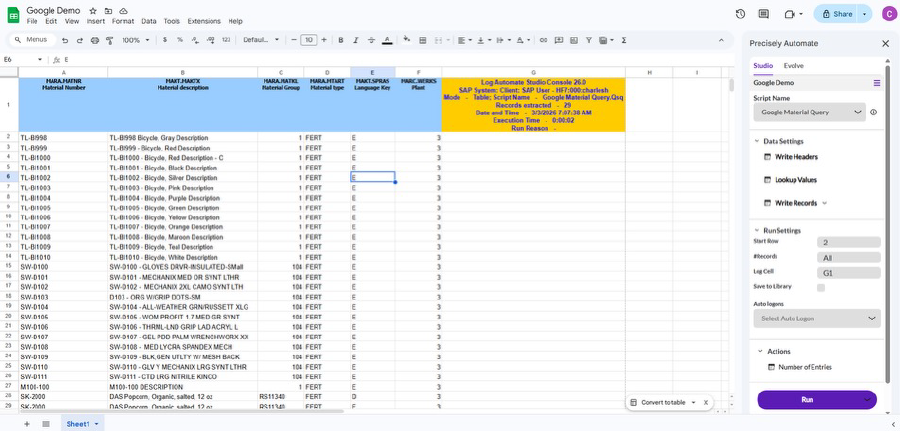
See how you can automate SAP data management with Google Sheets
Benefits
Work in Google Sheets. Operate in SAP.
Run SAP processes using simple, business‑friendly spreadsheets.
Built for SAP ECC & S/4HANA
Certified, secure automation that supports modern SAP landscapes.
No‑Code by Design
Create and run automation with a simple record‑map‑run approach.
Enterprise‑Scale Ready
Handle large‑volume, complex SAP data changes with confidence.
SAP automation built for business users
Automate Studio enables business teams to work with SAP data using familiar Google Sheets templates. Whether you need to update master data, post transactions, or validate large datasets, Automate Studio removes the complexity of traditional SAP interfaces and puts control directly in the hands of your users.
Designed for scale, Automate Studio delivers rapid productivity gains across finance, supply chain, and master data teams—while improving data quality, governance, and operational efficiency.
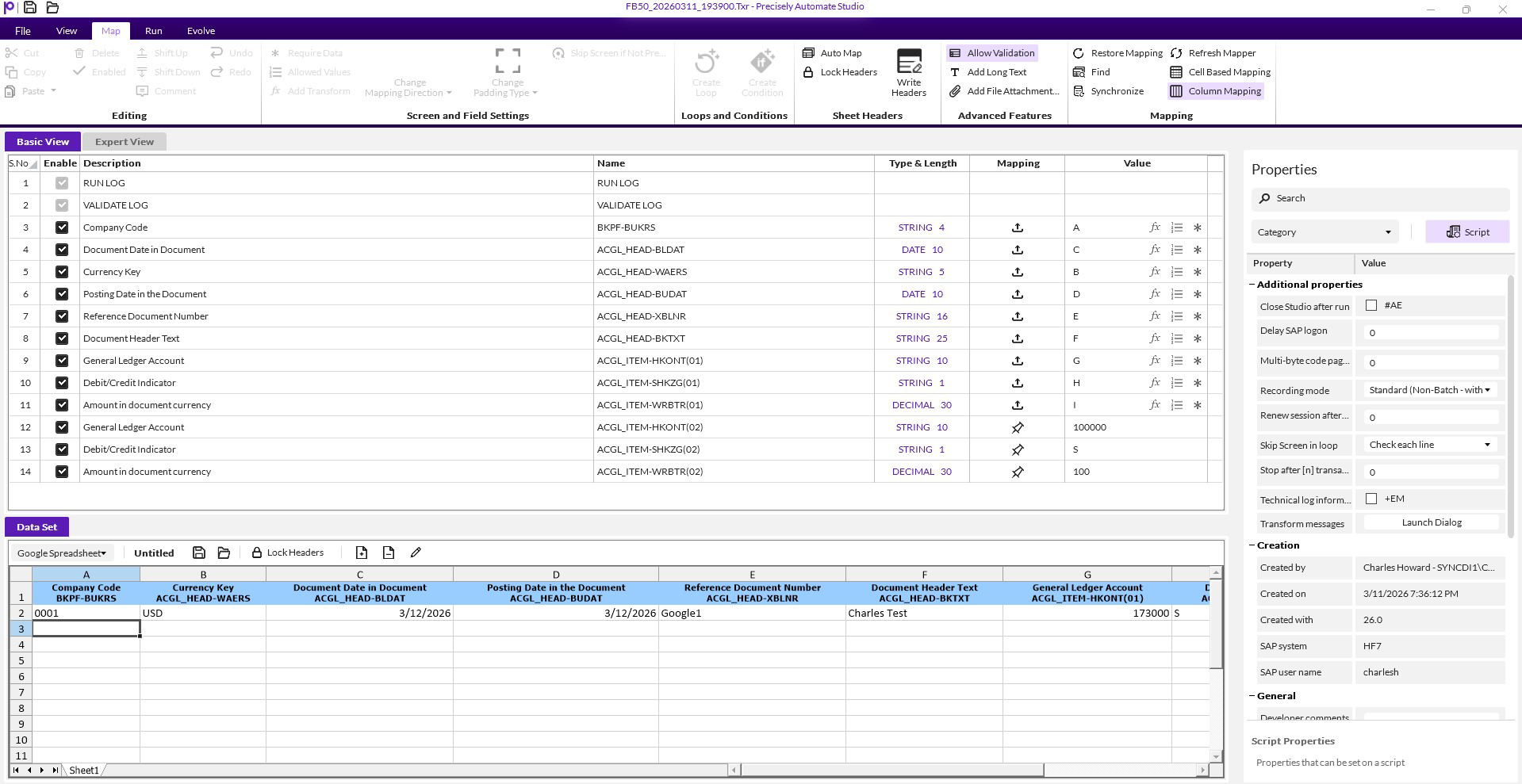
Mapper: Simple drag-and-drop interface enables users to create and manage SAP data in Google Sheets
How Automate Studio works
Our round‑trip approach is ideal for pricing changes, condition updates, material extensions, and sales order processing.
Query SAP Data
Extract SAP data directly into Google Sheets using prebuilt or custom queries.
Edit & Validate
Make updates in a familiar spreadsheet environment with built‑in validation and error checking.
Post Back to SAP
Upload approved data back into SAP—securely and accurately—without opening SAP GUI.
Common use cases
SAP Master Data Management
Update materials, vendors, customers, and G/L accounts at scale.
Finance Operations
Streamline and automate journal entry uploads.
Transactional Processing
Create purchase orders, post goods receipts, and manage transactions.
Data Migration & Cleansing
Transform, validate, and prepare SAP data for S/4HANA and ongoing operations.
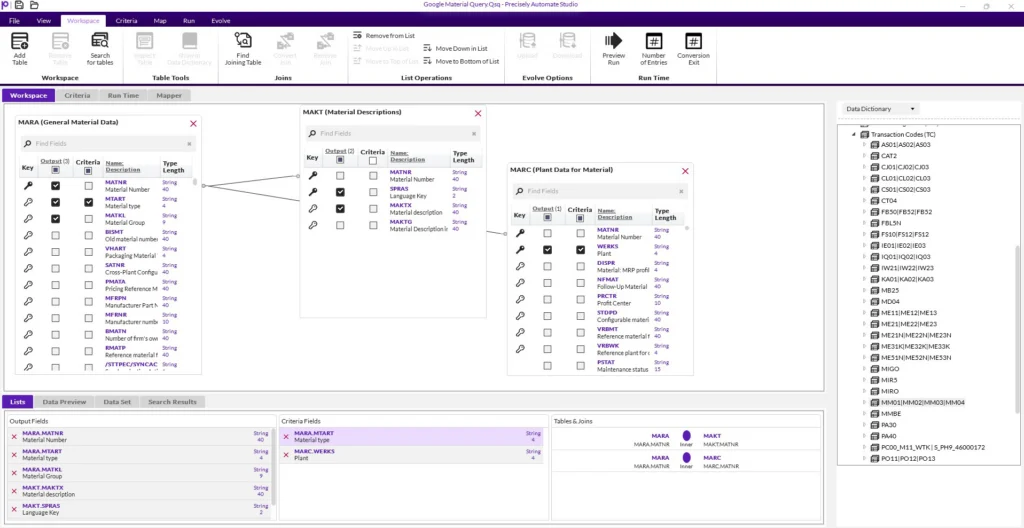
Workspace: Maintain granular control over automation content through detailed Automate Studio workspace
Key Features
Business‑friendly spreadsheet interface that replaces SAP GUI
Works with BAPIs, IDocs, standard transactions, and custom T‑codes
Built‑in data validation and error handling before posting to SAP